HarMotion is patent protected: PN 12536983

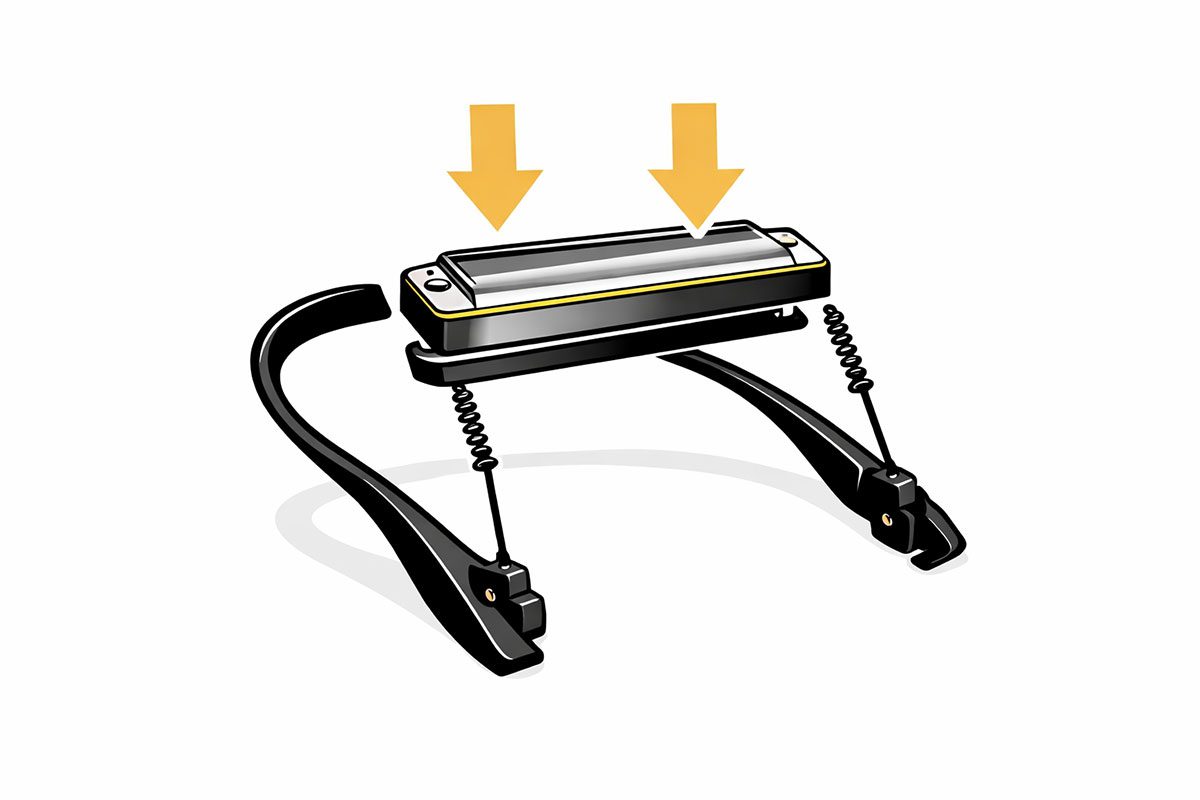
1
Secure Your Harmonica
Place your harmonica into the adjustable holder. The snug design ensures a secure fit for various harmonica sizes, whether diatonic or chromatic.
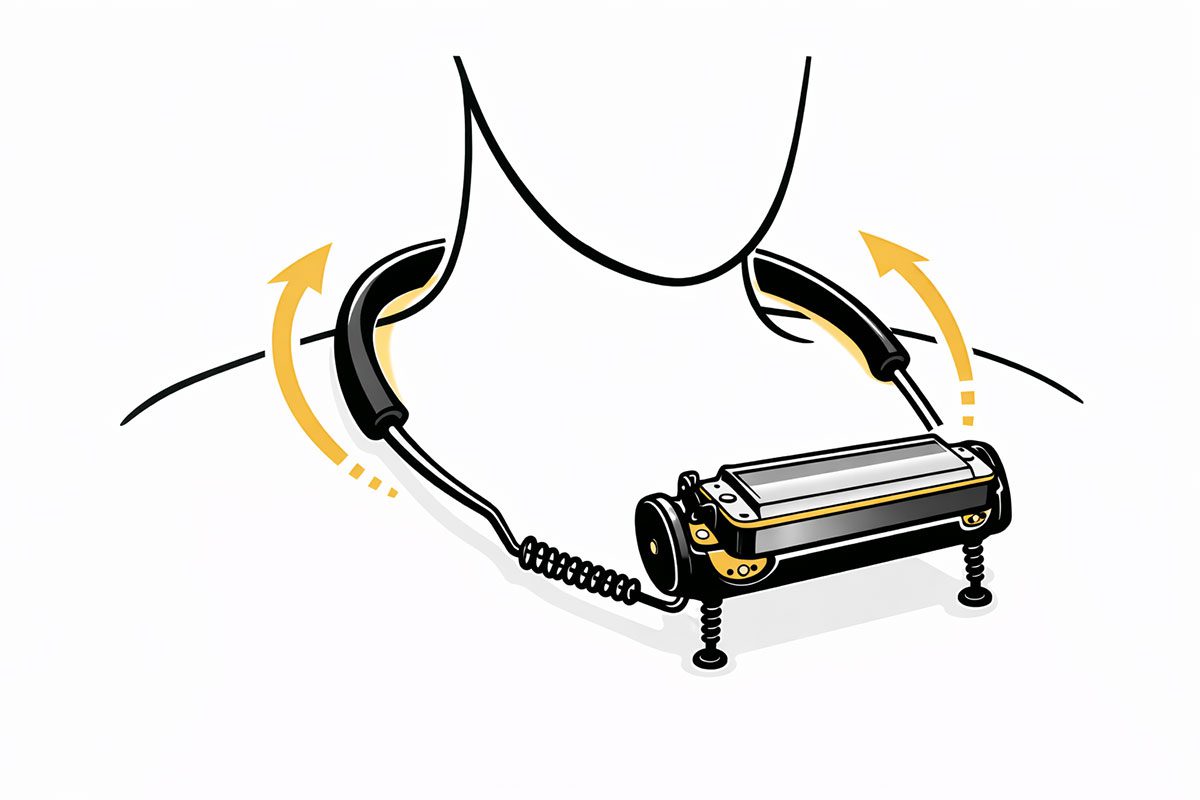
2
Wear the Holder Comfortably
Slide the holder around your neck. The rounded edges and soft-touch material provide a comfortable fit, distributing weight evenly.
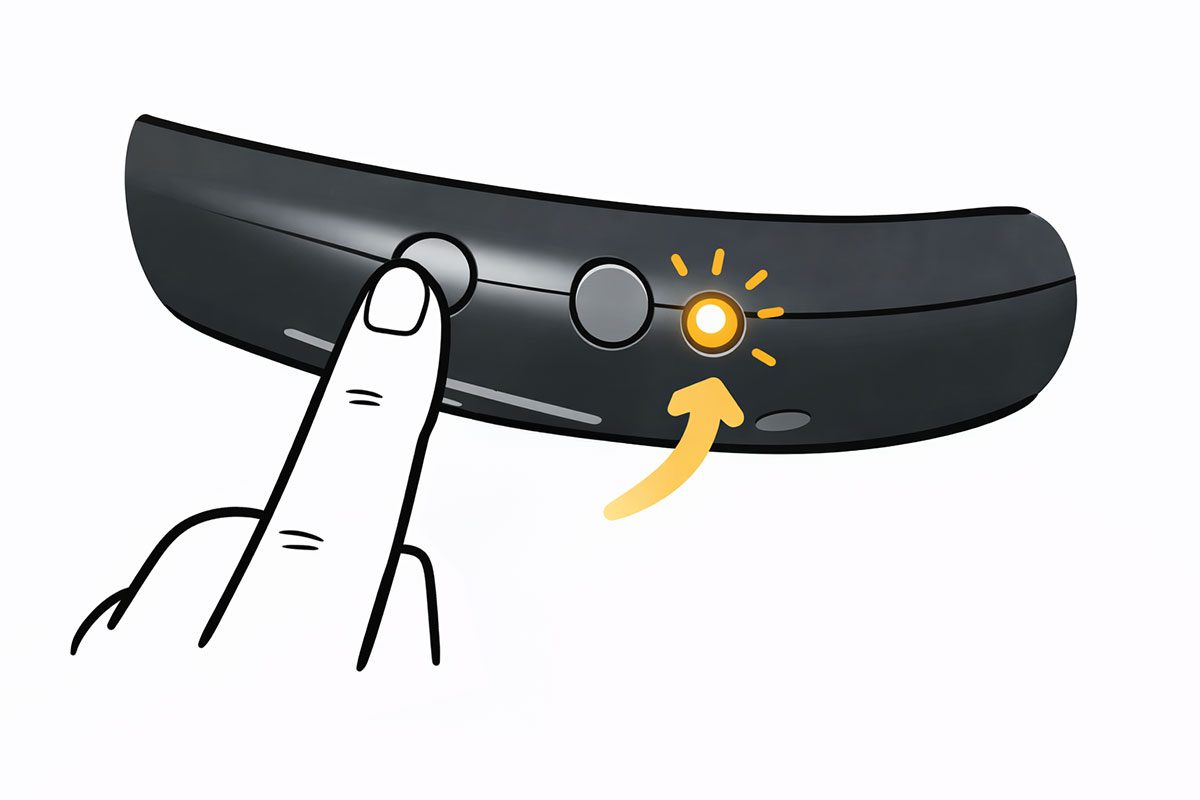
3
Power Up the Device
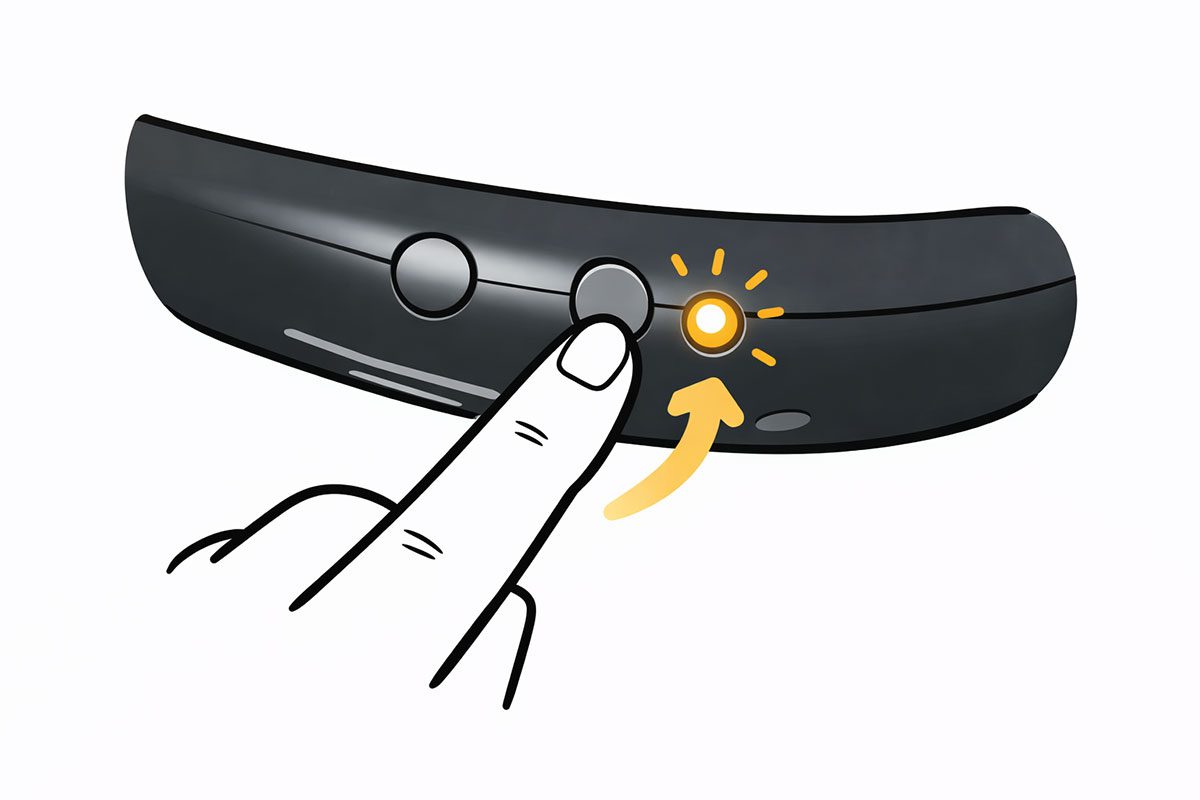
Press the easy-access power button on the back of the holder. The LED indicator will light up, signaling the device is ready to use.
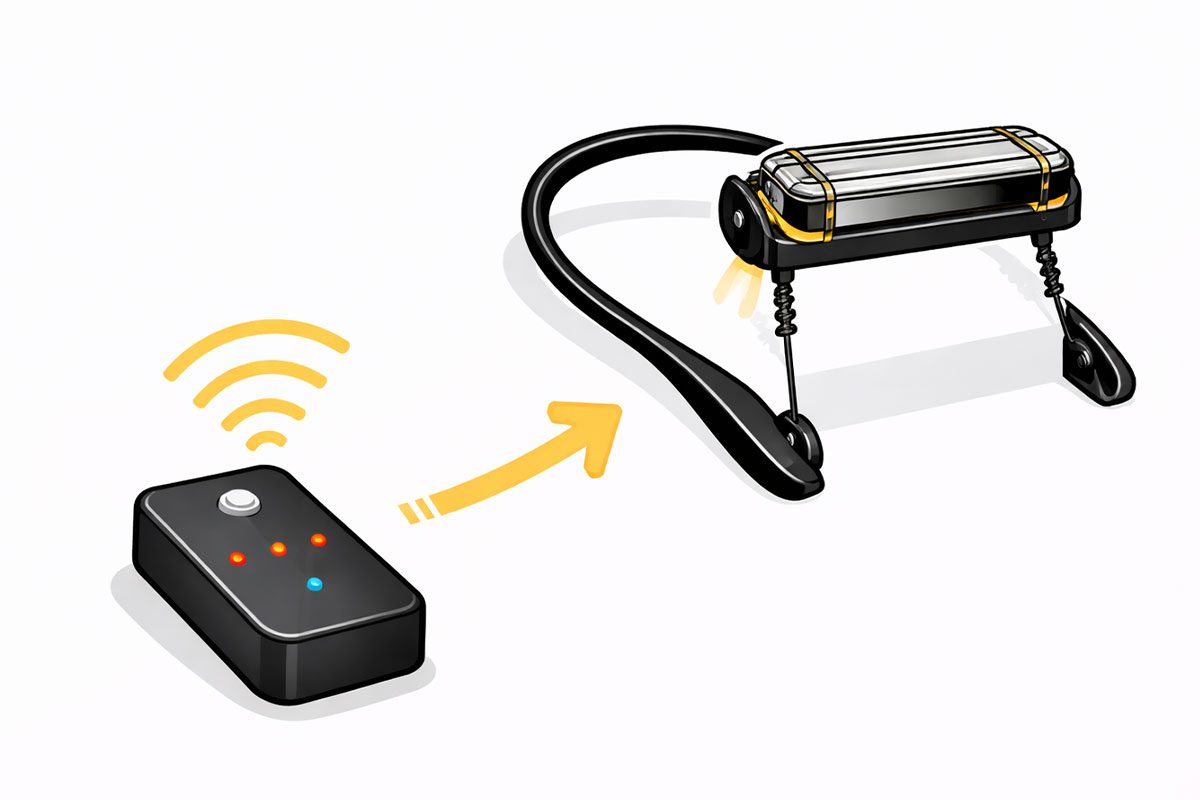
4
Connect the Pedal
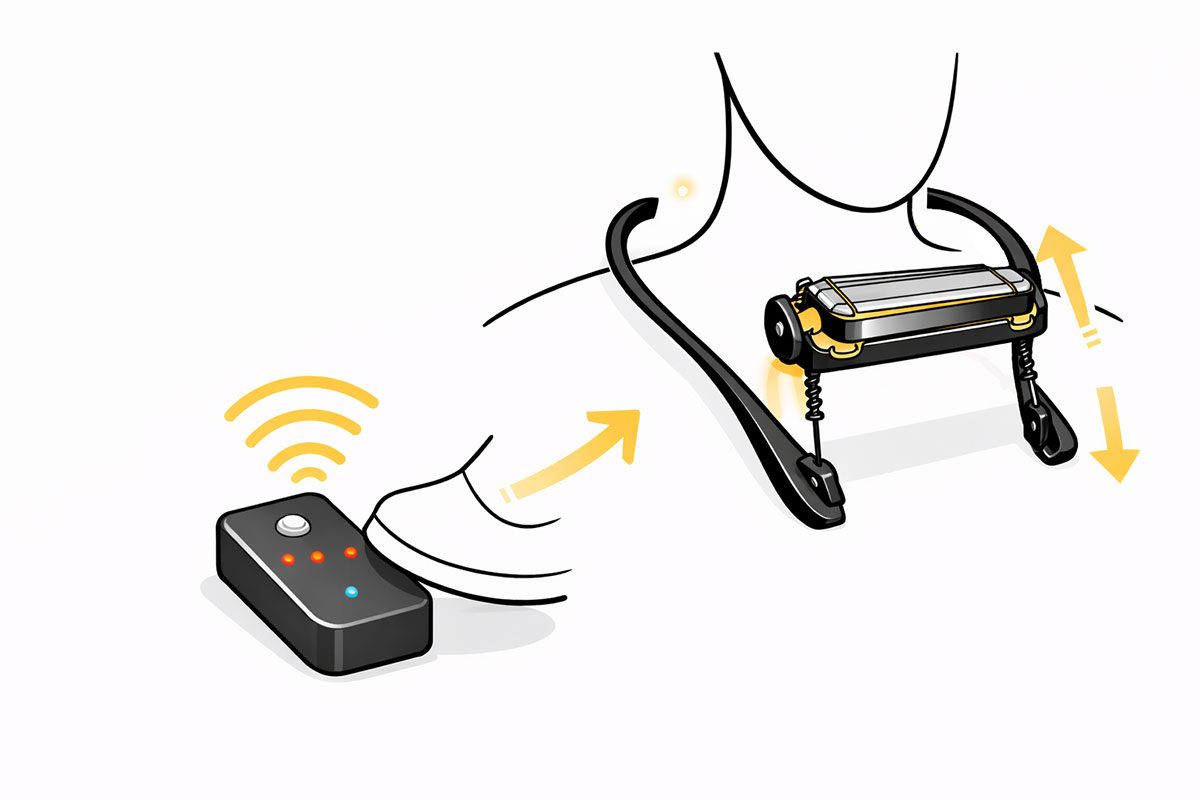
Place the anti-slip pedal on the floor in your preferred spot. The pedal wirelessly pairs with the holder to give you full control.
5
Adjust Harmonica Position
Use the pedal’s presets to raise or lower the harmonica for your desired playing angle. The quiet motor adjusts seamlessly to match your movements.
6
Play Hands-Free
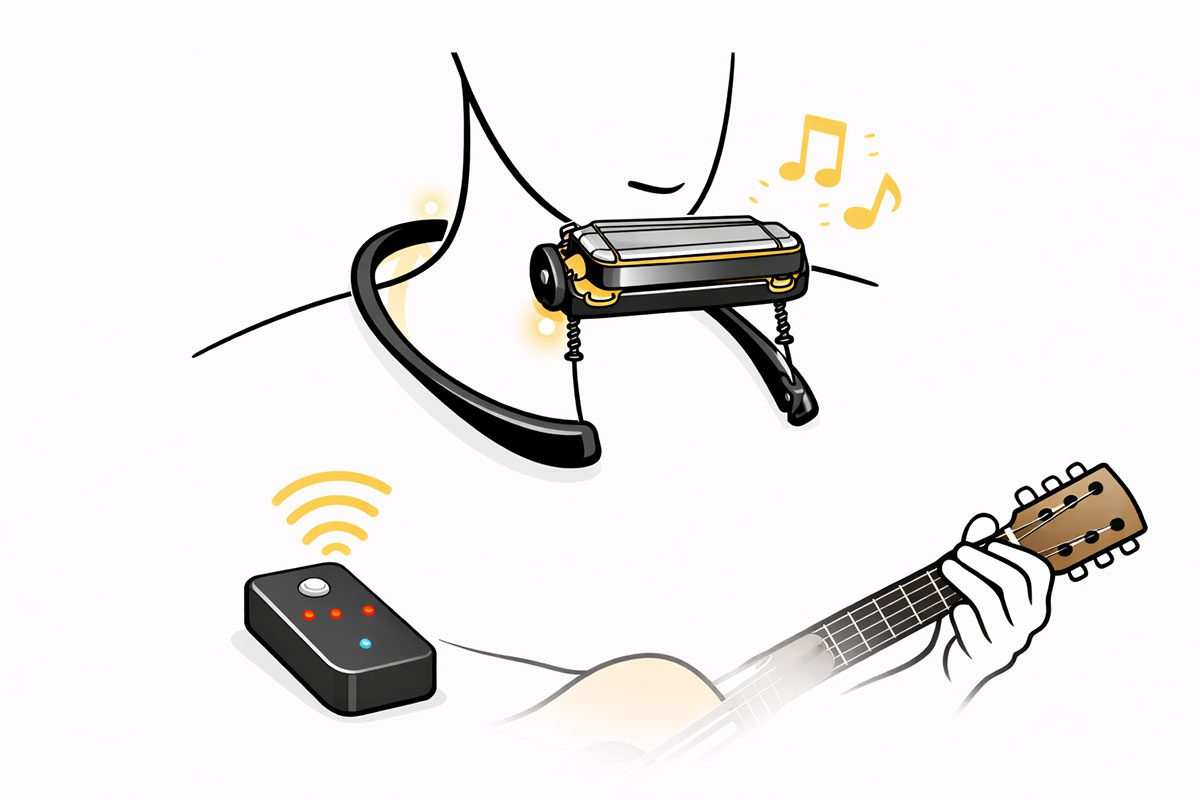
With the harmonica in position, focus entirely on your music. The holder remains stable and responsive, adapting to your performance.
7
Monitor Battery Status
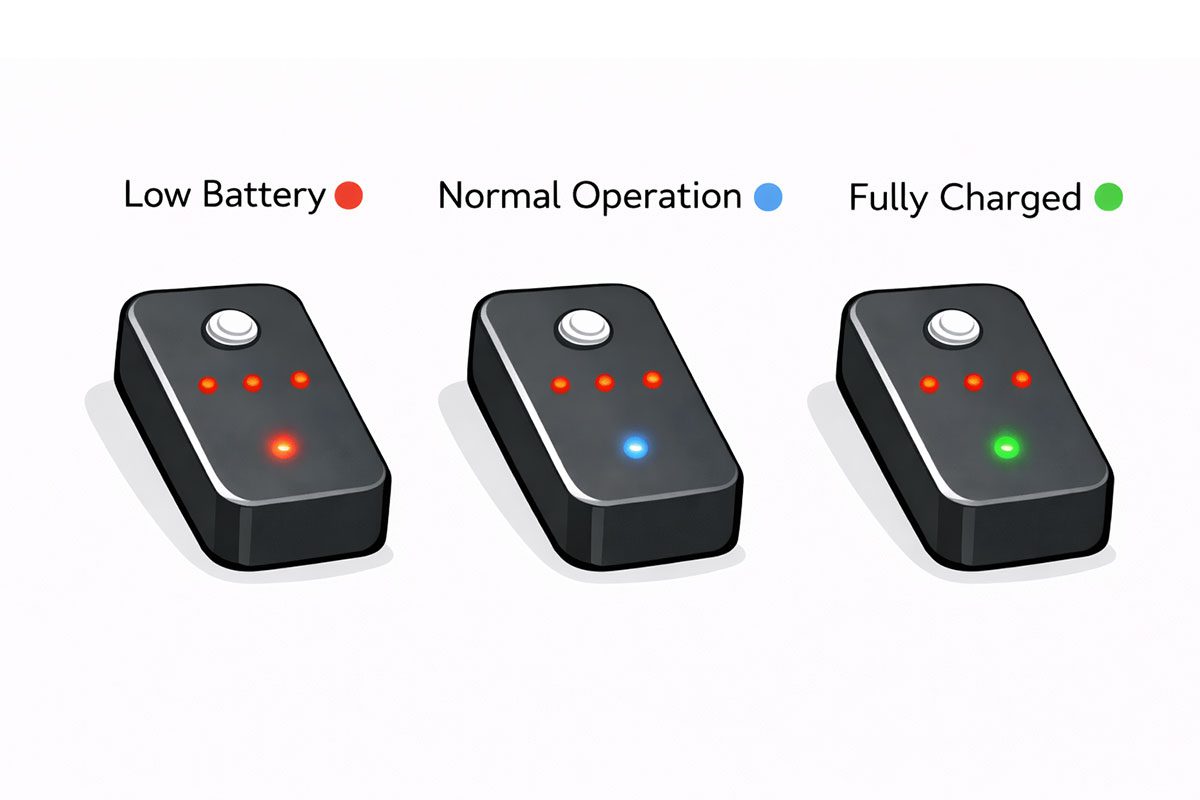
Check the LED indicator for battery levels. Red indicates low battery, blue signals normal operation, and green means fully charged.
8
Power Down After Use
Press the power button to turn off the holder when you're finished. The compact design makes it easy to store or transport.